Use the previous and next controls at the bottom, or the Up and Down arrow keys (or Page Up and Page Down) to jump between chapters. You can also scroll the page normally to read each section.
 Lazy Panda
Small Habits, Big Changes.
Somewhere between “track everything” and “ignore yourself,” there’s a path that asks almost nothing—just a tap when you’ve shown up. Lazy Panda is that path: a steadier rhythm, a calendar that remembers without judging, and a coach that chats when you want help—not when an algorithm does.
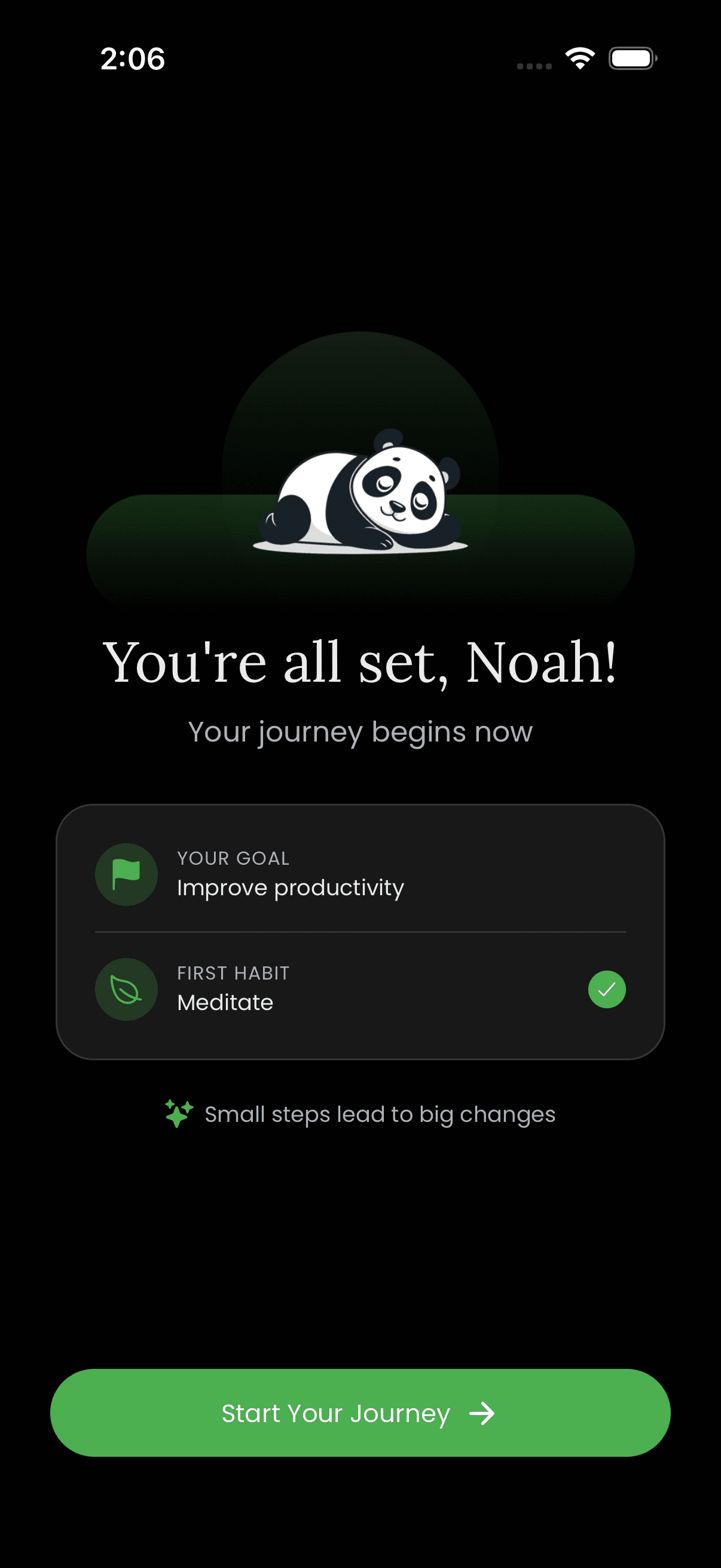
Before the feed, before the streak anxiety, there’s only a door. The app opens softly: a welcome, your name, one honest goal, a reminder time that feels like a suggestion, not a siren. Import a past life if you need it—or start with a clean sheet and your first small win.
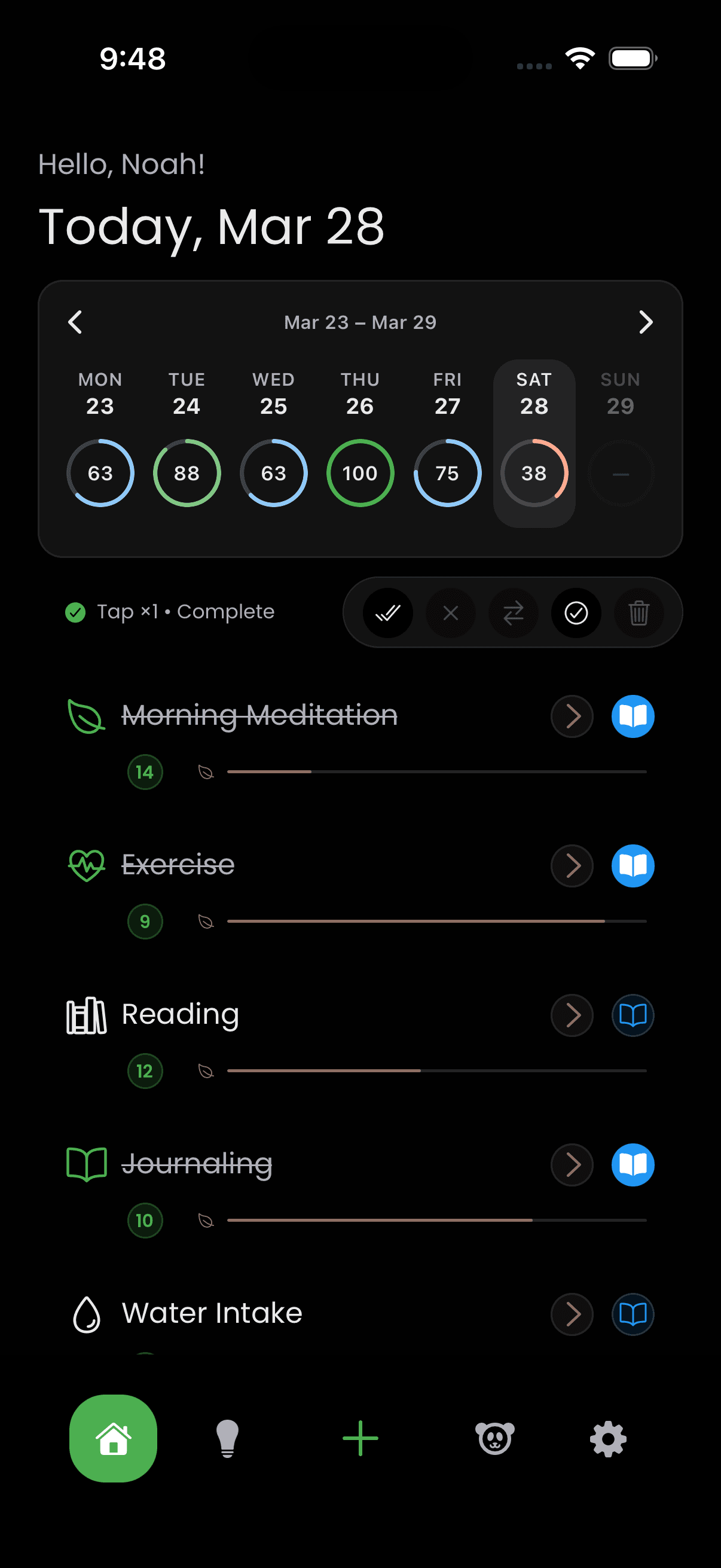
This is the room you keep coming back to. Your habits line up like chairs around a table—not ranked, not shamed, just present. One tap checks one thing off the world. Haptics click like a lighter stone dropped in still water.
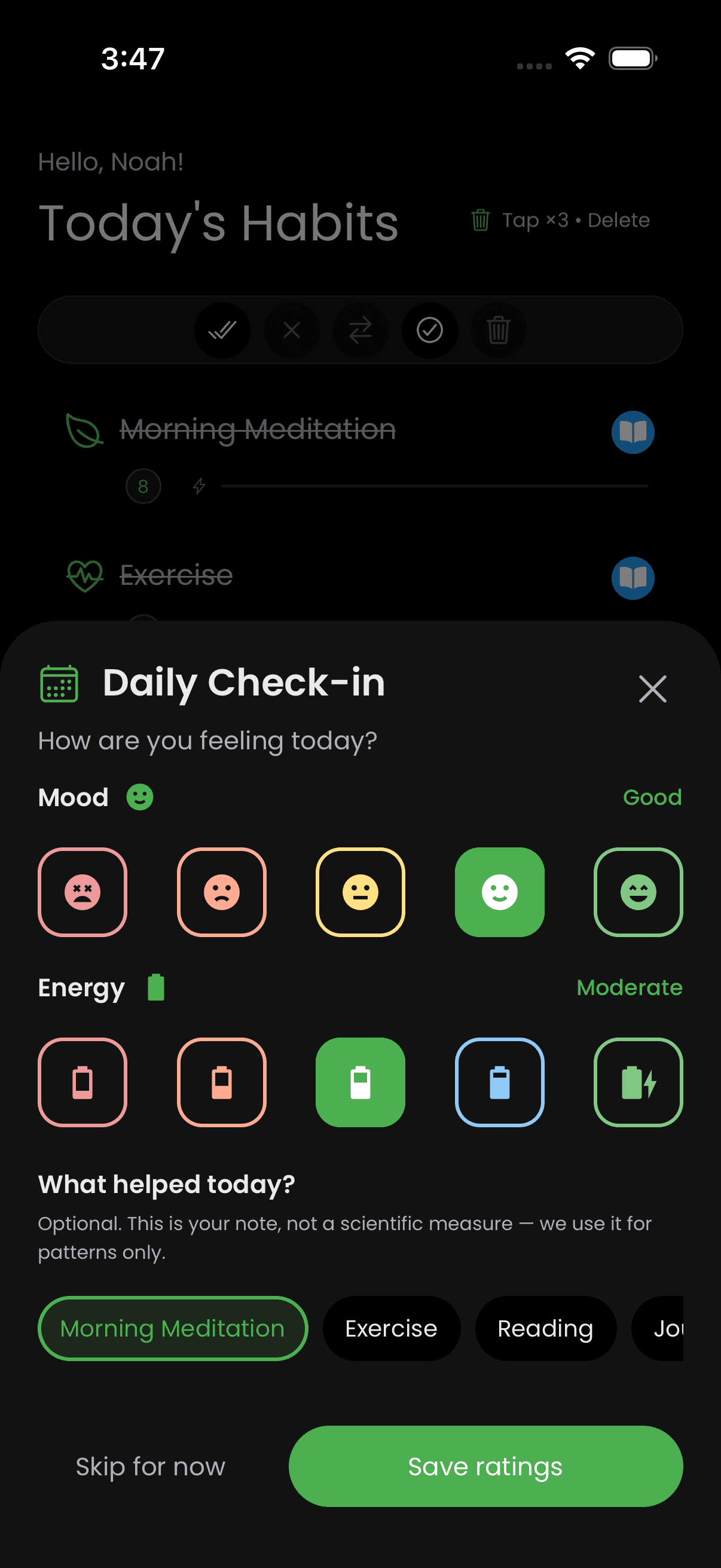
You’ve already done the brave part: you showed up. Sometimes Lazy Panda asks one more quiet thing—not to grade you, but to listen. Two small moments—before you finish the habit, after you’ve closed the loop—invite mood and energy in plain language. They’re optional, skippable, and never a test. Down the road, that gentle trail becomes the raw material for Insights: the app can notice how your inner weather and your habits tend to move together, only because you chose to leave breadcrumbs.
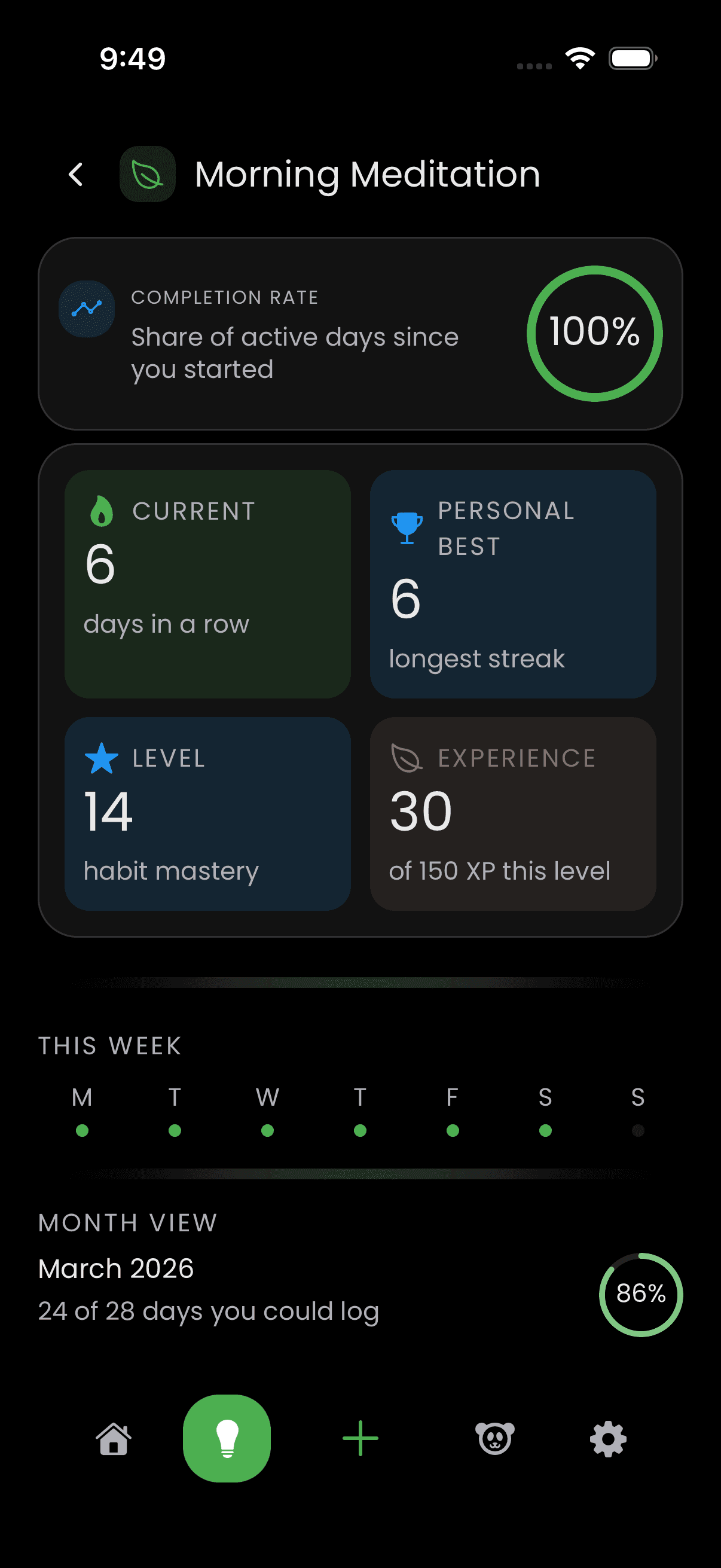
Progress here isn’t a red pen on your calendar. Levels deepen like terrain under your feet: you’ve walked this ridge before, you recognize the stones. Miss a day and the world doesn’t end—it waits.
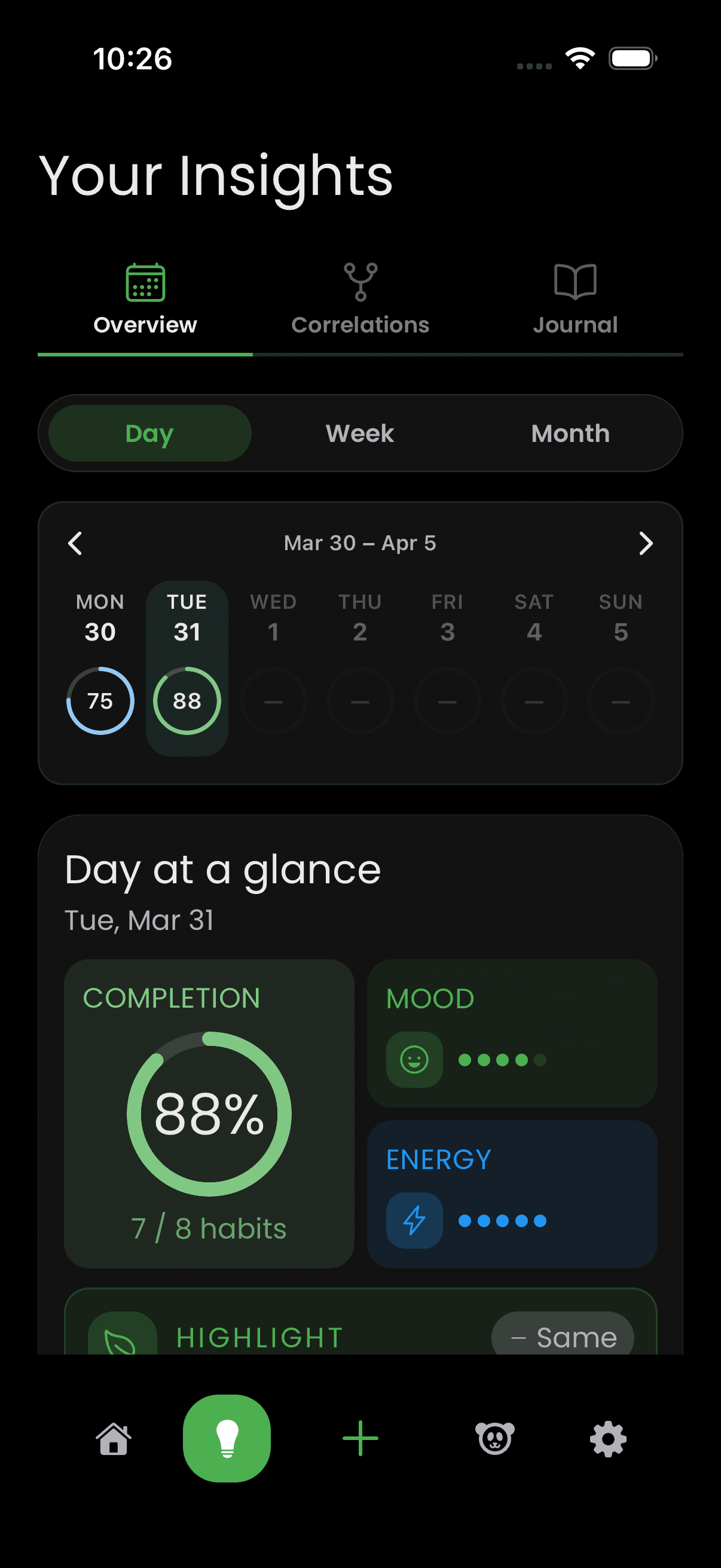
Overview is the balcony overlooking your week and your month. Marks on a calendar become a landscape; cards summarize without shouting. You’re not auditing yourself—you’re remembering what kind of weeks you’ve been living.
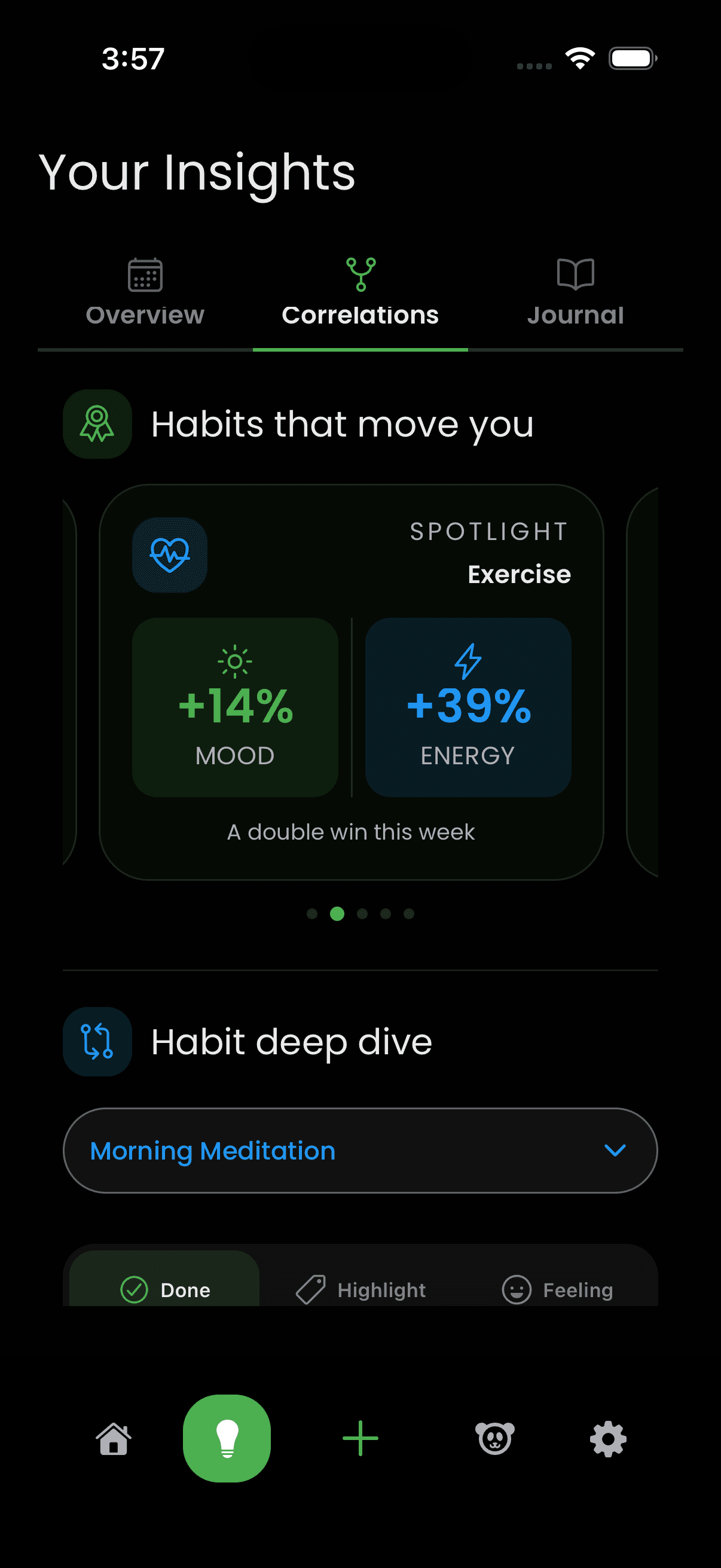
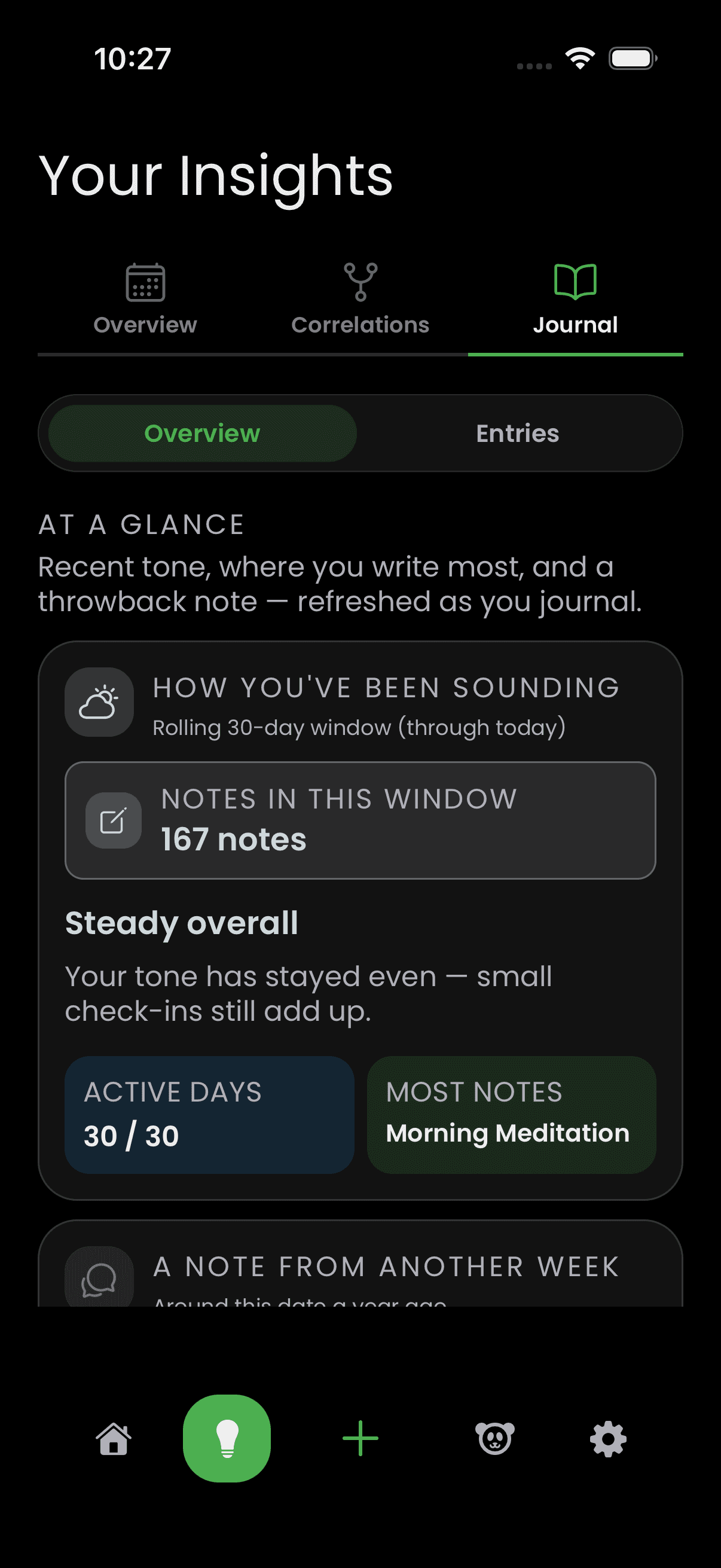
Remember those light before-and-after taps at the end of a habit? They weren’t small talk—they were coordinates. When you’ve shared enough of them, Insights can start to spot rhymes—not diagnoses, not doom, just “often when this, that tends to visit.” Curiosity without a siren. A mirror that tilts until you see your own face clearly.
A checkbox knows binary truth; a sentence knows you. Lazy Panda keeps those sentences next to the behavior that earned them—so six months later you’re not guessing why Tuesday felt different.
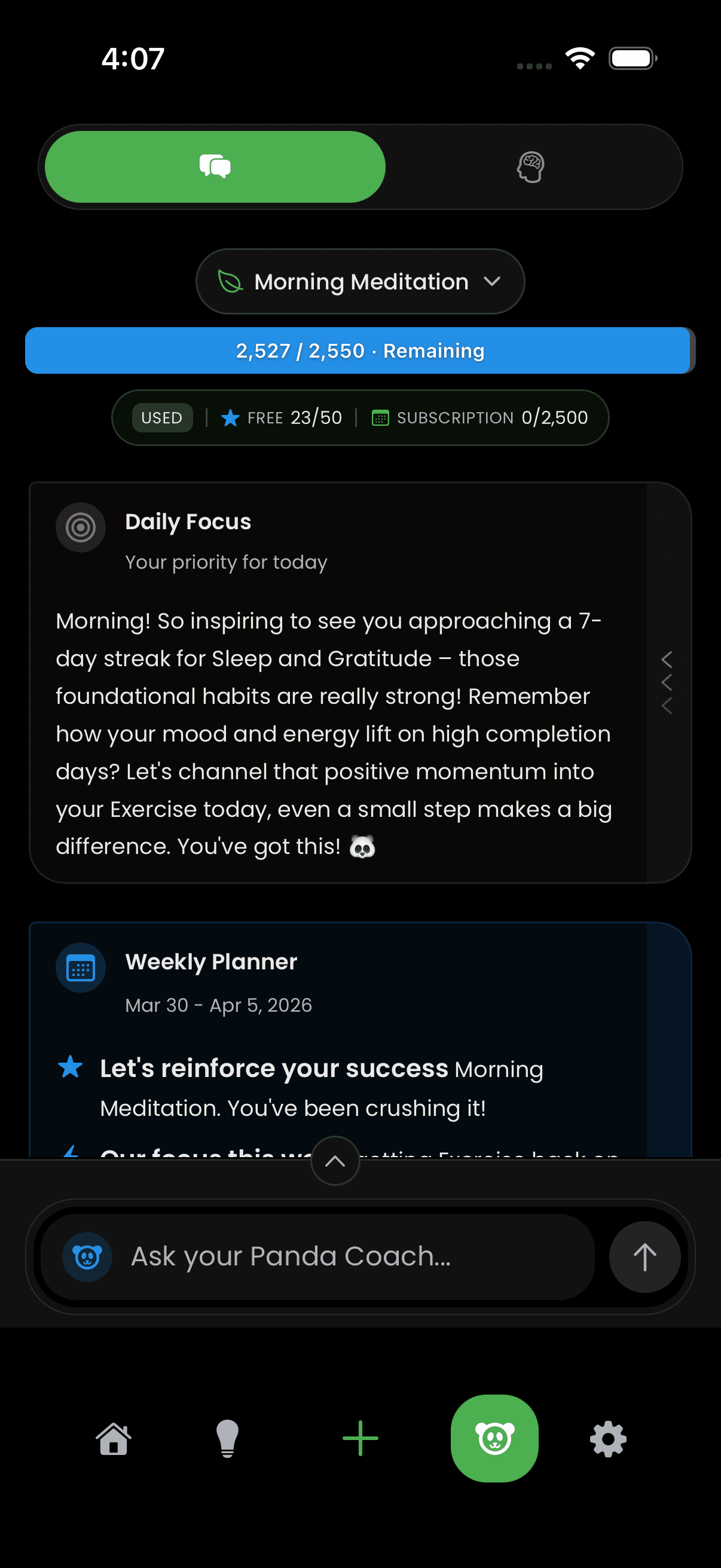
Panda Coach doesn’t start with a chat window—it starts with cards. Focus for today, a weekly plan, a stack of habits that make sense together, a challenge with a deadline. Accept what fits; ignore what doesn’t. The feed listens.
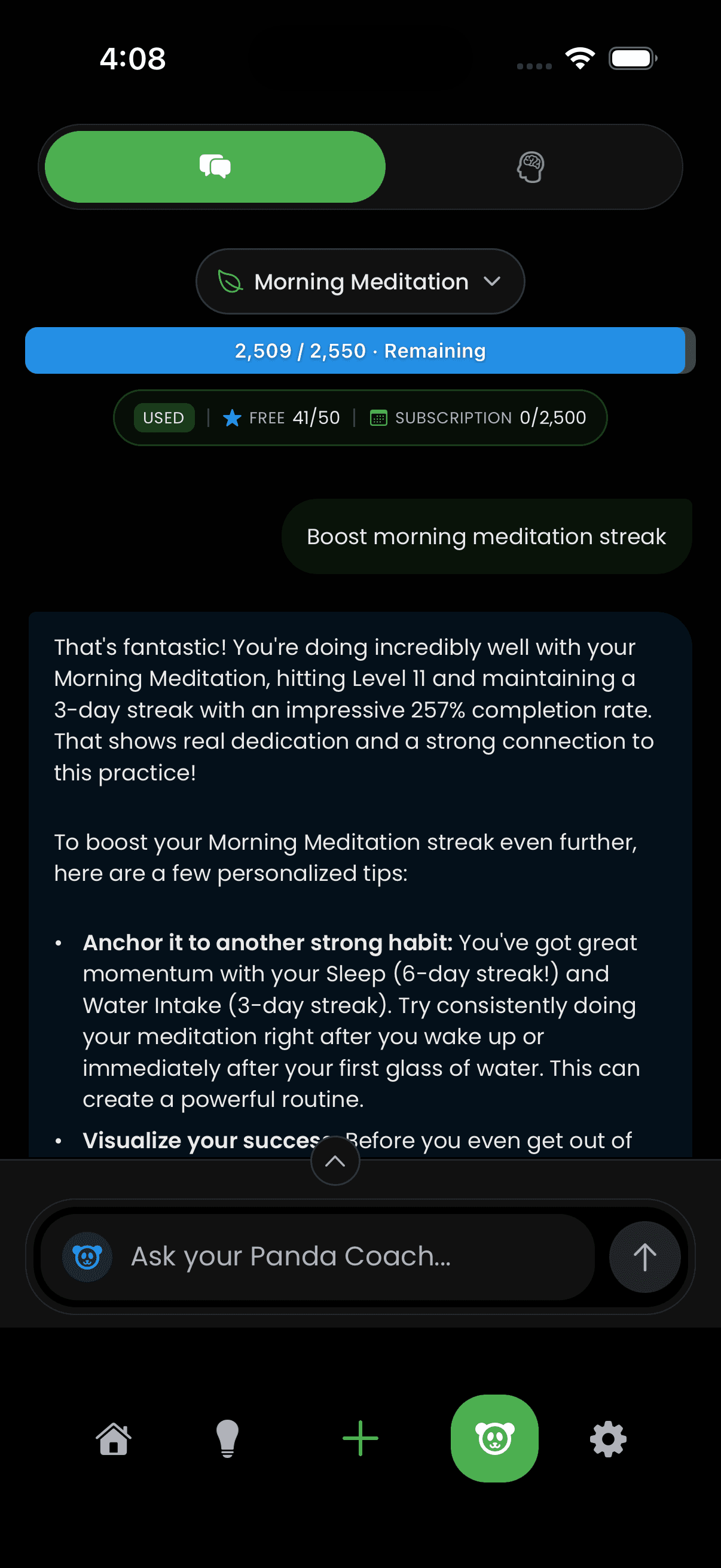
When cards aren’t enough, you open the thread. Gemini-powered chat meets your habits where they live—suggested starters if you’re shy, real language if you’re not. It’s help that reads like conversation, not a lecture deck.
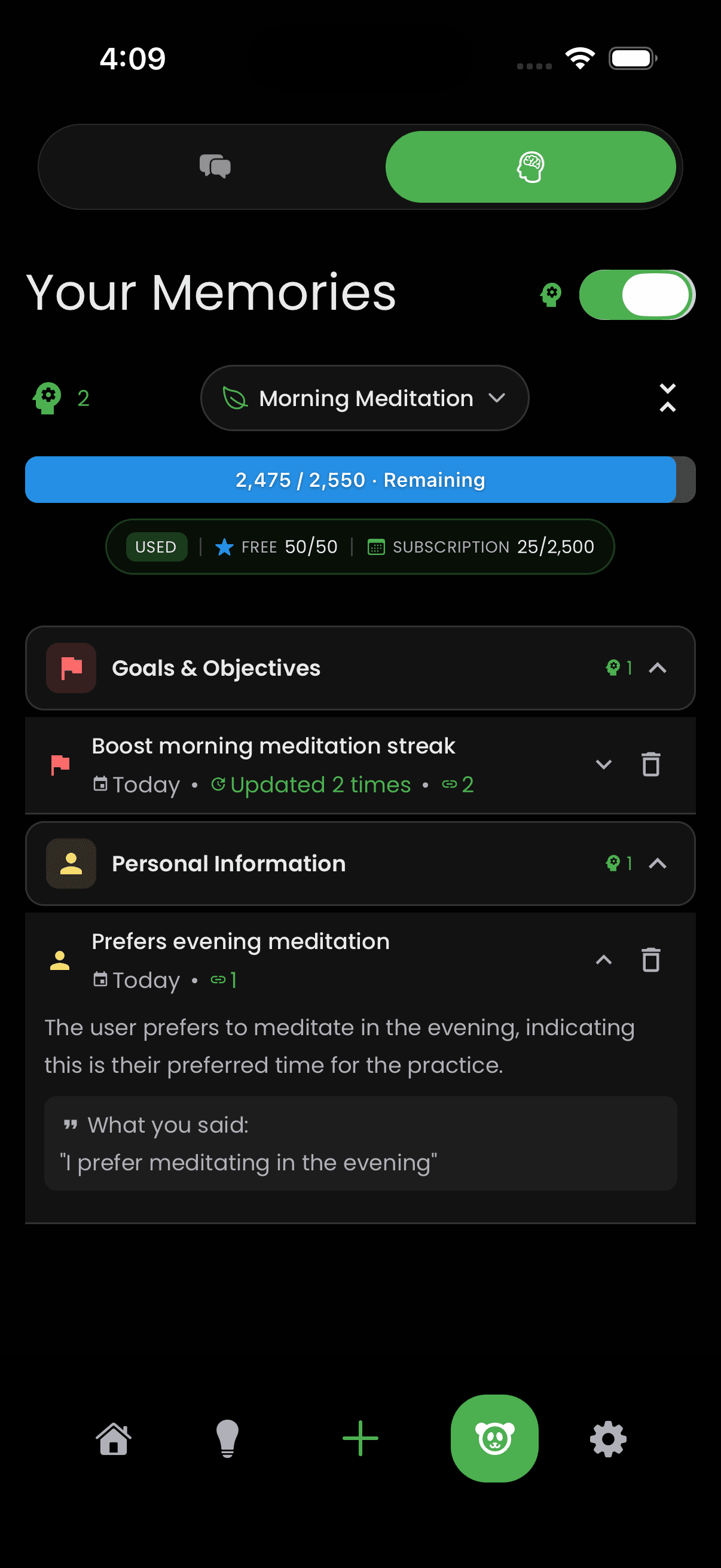
Memories gathers what you’ve told the coach—cited, grounded, yours. The next answer can lean on yesterday’s truth instead of pretending the slate is empty. Continuity is kindness for your future self.
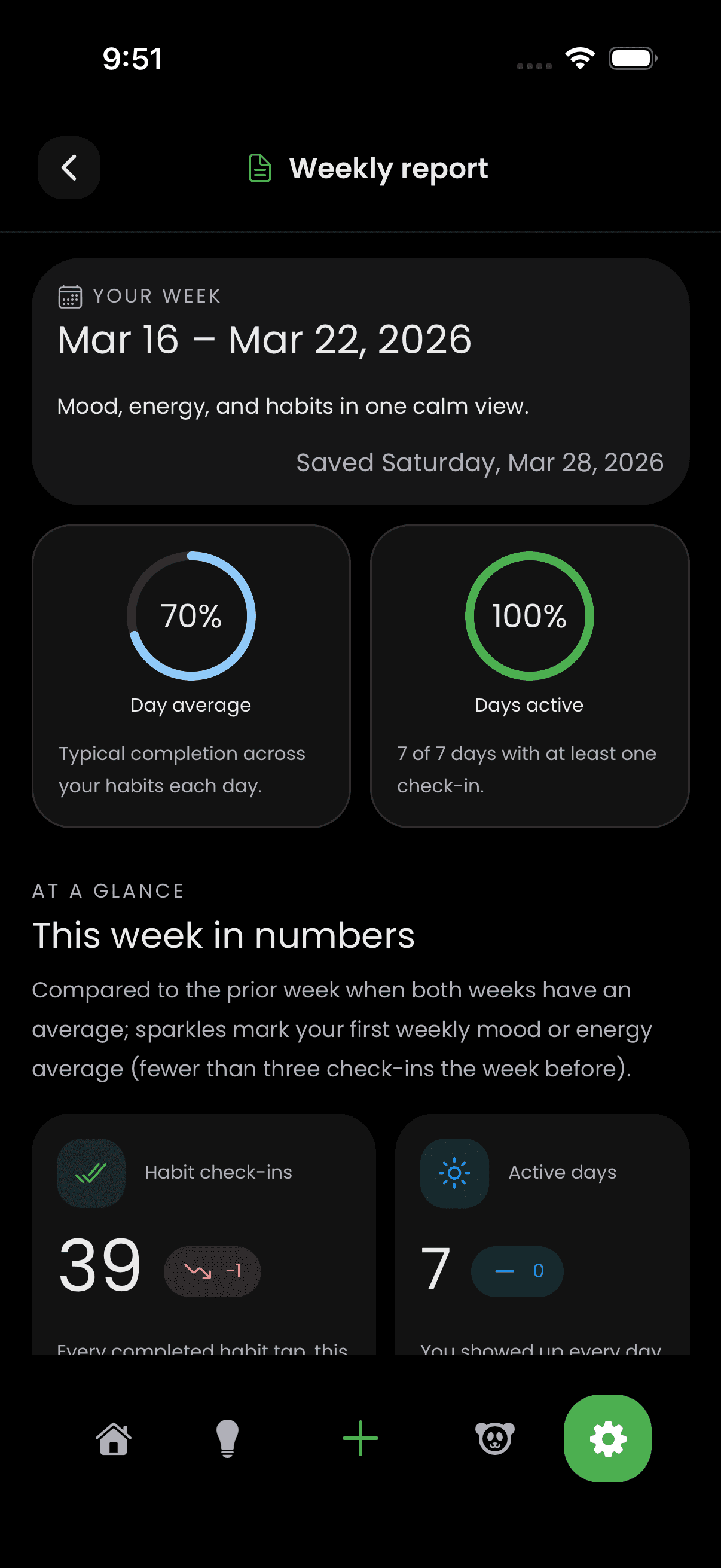
Each week gets a bento box—not of food, but of how you moved, felt, and followed through. Open last week from Settings when you want the arc without living inside a dashboard. Optional ping when a new chapter’s ready; silence is always on the menu.
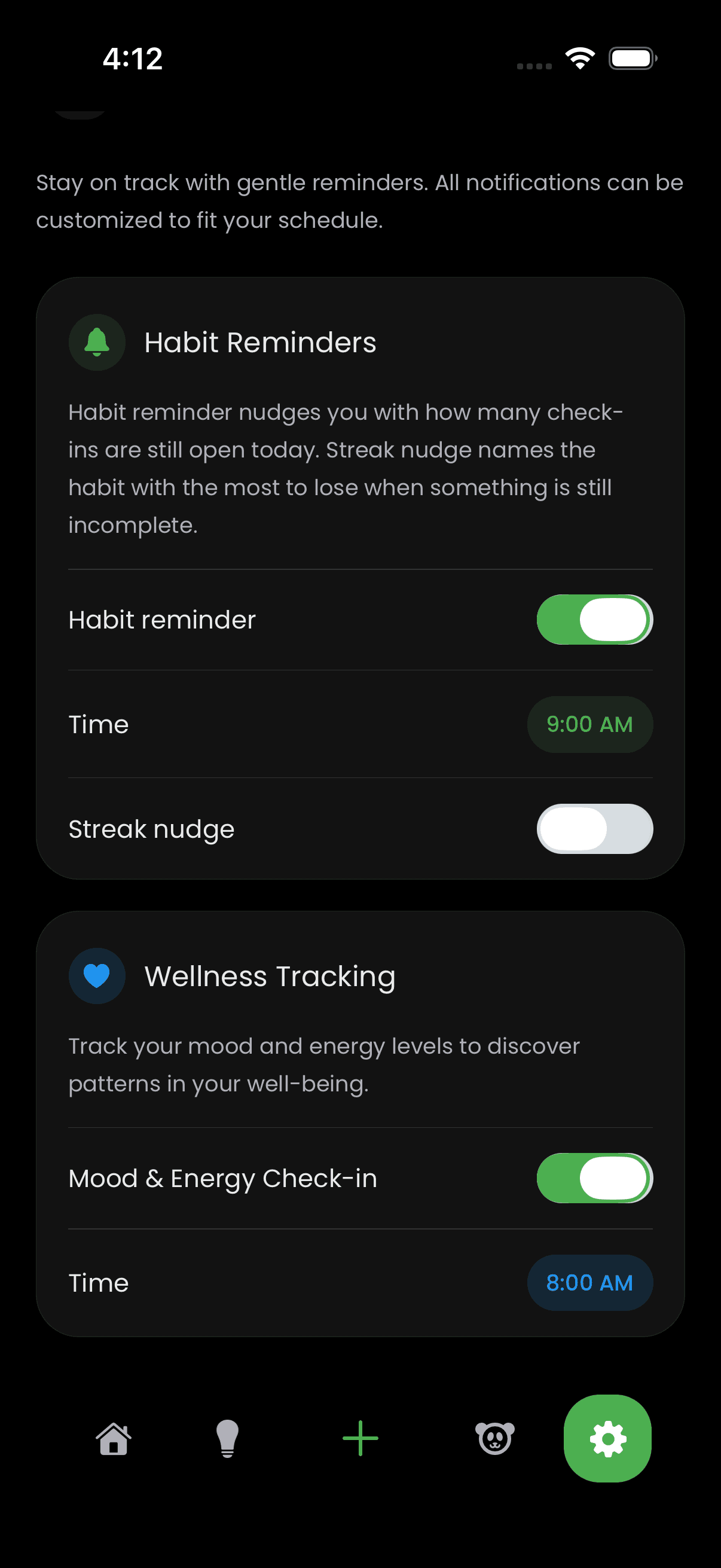
The bell is yours. Mood-and-energy check-ins can match your biology, or hibernate. Habit and coach reminders bend in Settings until the cadence feels like an ally, not a manager tapping your shoulder.
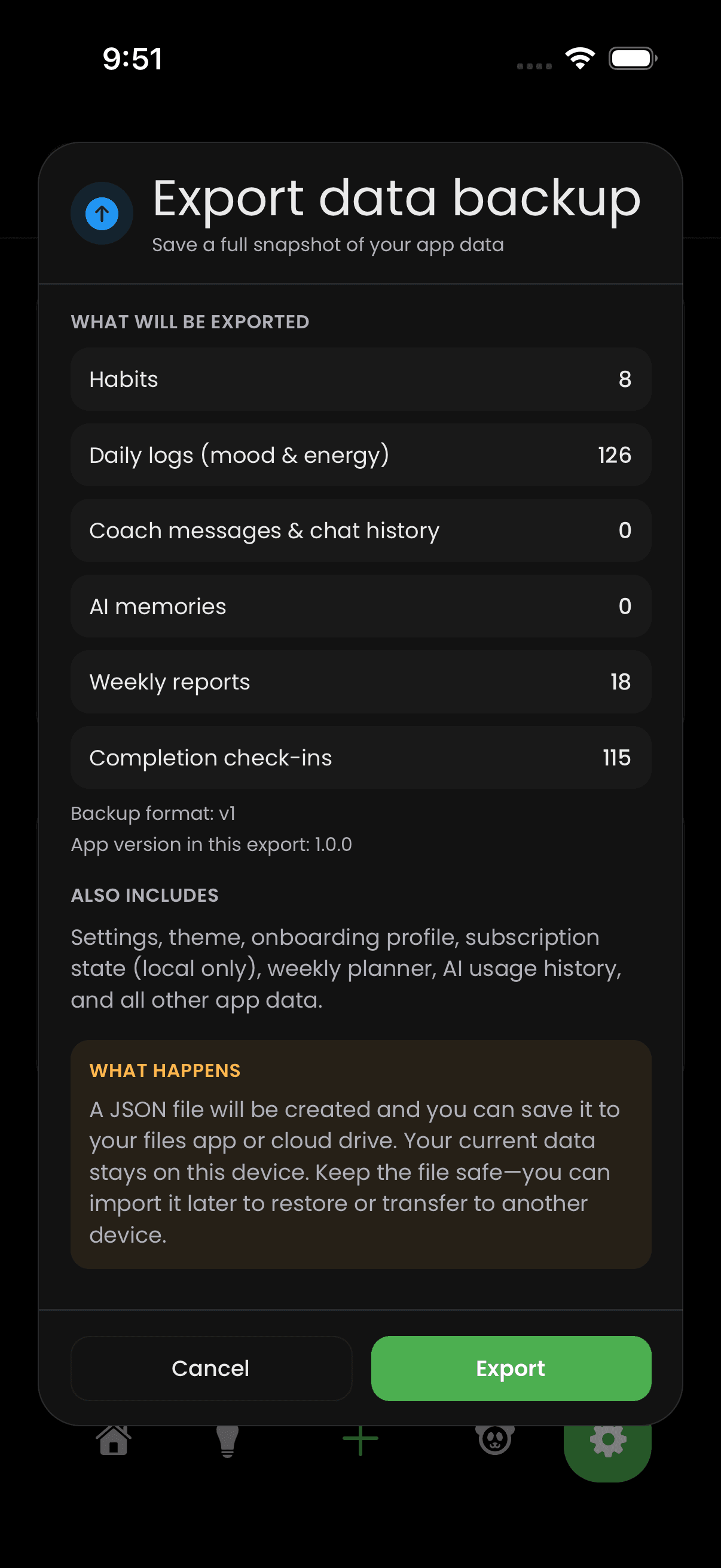
The meaningful rows live with you first—exportable, importable JSON that respects versioning. Credits fuel the AI lines on a modest free allowance; Pro widens the pipe, and top-ups exist for heavy weeks. No vault theatrics here—just ownership, backup, and a clear paper trail.